Video Demo: Handling Isolated Elements in MQTester
In models, modules such as Simulink Function and Function Caller, Goto and From, Data Store Write/Memory and Data Store Read are typically used in pairs, but they may not reside at the same hierarchical level.
If the unit under test contains only a function caller, a From block, or a data store read/write module, the model simulation may fail to proceed normally due to the absence of the corresponding paired module.
In the new version of MQT, functionality has been added to support the simulation of subsystems containing only a function caller, a From block, or a data store read module.
The Simulink Function Caller enables convenient calling and execution of functions within the model and retrieving their output results, allowing for more flexible model design and simulation and making the model’s functionality more modular and easier to maintain.
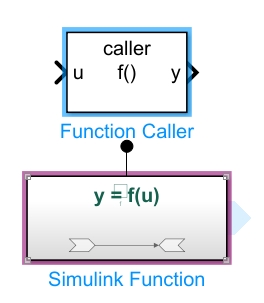
MQT has added new features for the following three scenarios:
- If the Simulink function corresponding to a function caller within the unit under test is not part of the user-selected test object but exists in the original model, then when generating the test harness, the corresponding Simulink function will be automatically copied into the unit under test.
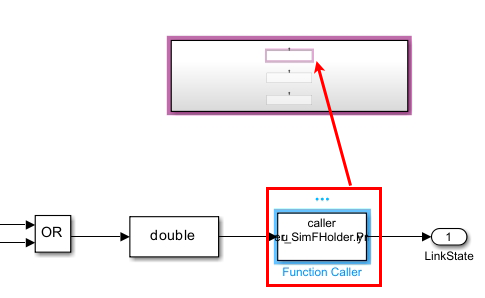
- If the original model contains only a function caller without a corresponding Simulink function, then when generating a test harness containing this function caller, MQT will automatically create a Simulink function that meets the function caller’s requirements. The system will also automatically define variables for this function caller’s output signals. The values of these variables can be modified in the test cases as needed.
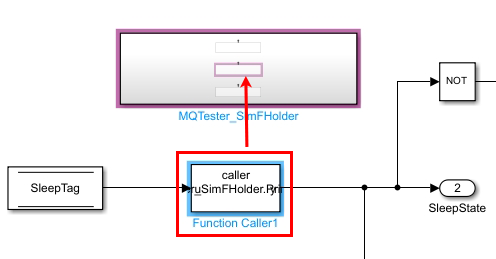
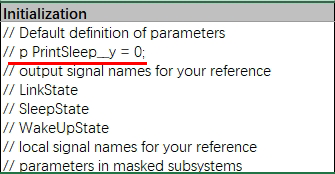
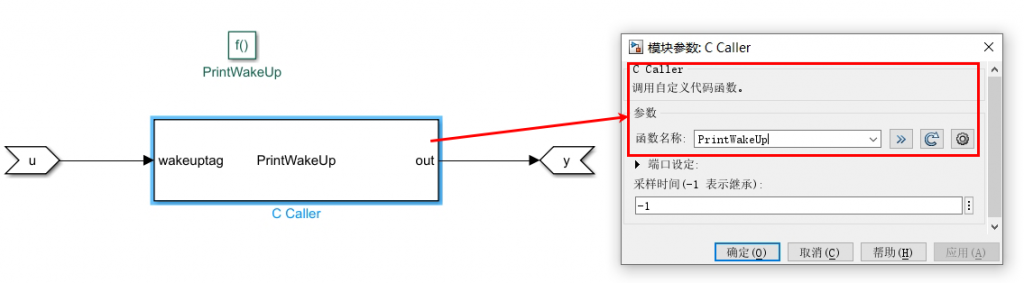
- It is also possible to specify C code to be embedded within the generated Simulink function. MQT will automatically copy the corresponding Simulink function into the unit under test when generating the test harness. (Note: Full automation for this feature is not yet implemented. Currently, manual embedding can be performed using MQT’s code testing functionality. Automation can be implemented based on your needs).
Data Store modules are used to implement multiple reads from and assignments to a global variable within a model, thereby greatly improving work efficiency and simulation accuracy.
Data Store modules include Datastore variables as well as the Data Store Memory, Data Store Read, and Data Store Write modules in Simulink.
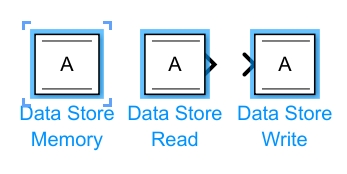
- Data Store Memory Module: Used to define the name, initial value, and data type of the stored data. It can be defined at the top level or within a subsystem.
- Data Store Read Module: Used to read data from a specified data store (Data Store Memory) and output it to the simulation model.
- Data Store Write Module: Used to write an input signal to a specified data store (Data Store Memory).
Both Data Store Read and Data Store Write modules need to specify the name of the data store to access (i.e., the name defined in the Data Store Memory module).
MQT has added new features for the following three scenarios:
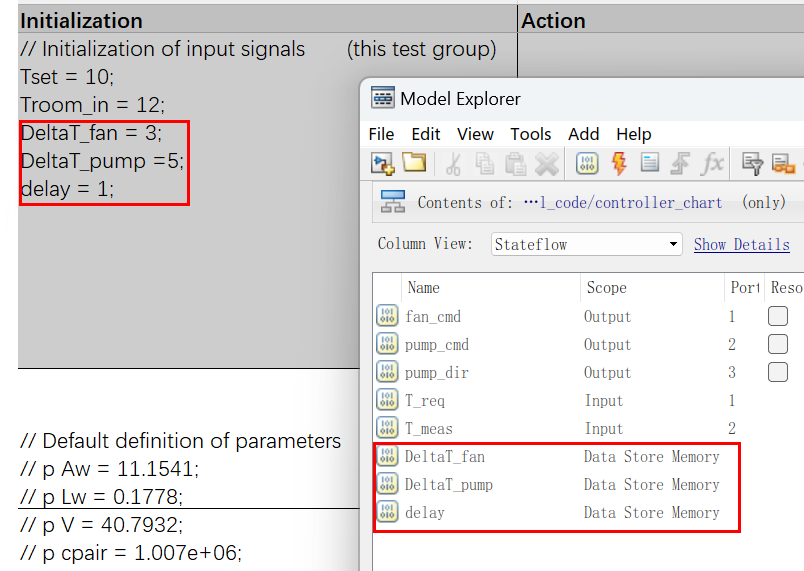
- If the unit under test contains only Data Store Read and Data Store Write modules without the corresponding Data Store Memory module, MQT will automatically generate corresponding parameter variables during test harness generation to ensure smooth data transfer.
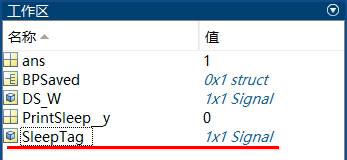
- If the unit under test contains only a Data Store Read module without the corresponding Data Store Write and Data Store Memory modules, MQT will generate a corresponding Data Store Write module for this Data Store Read block during test harness generation. This variable will be treated as an input signal, and its value can be modified when writing test cases.
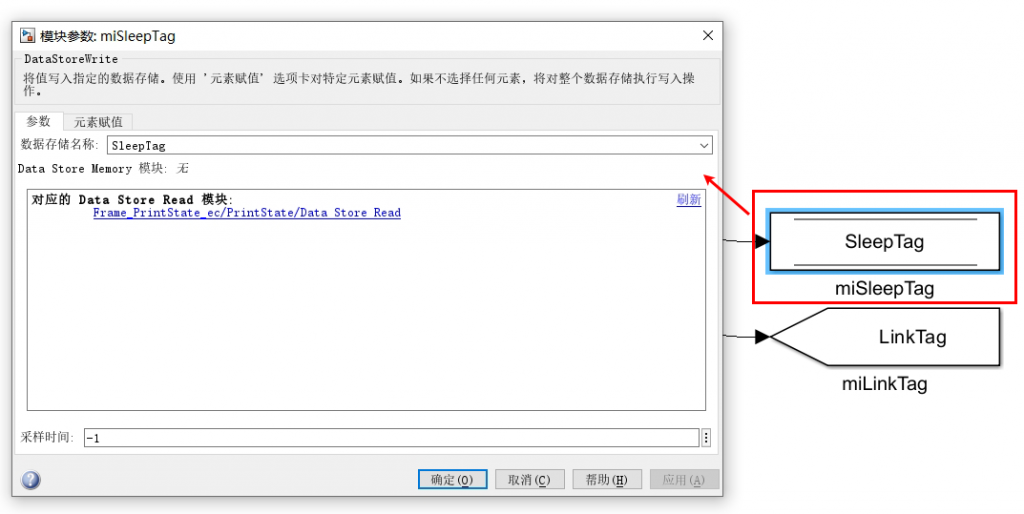
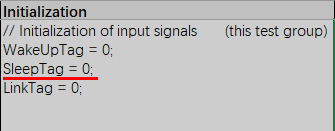
- For Data Store Memory data used within a Stateflow Chart, if there is no assignment statement for that variable within the Chart, it will be handled according to the scenario described for “only data store read” (the second case above). An input signal will be added in the test harness.
In Simulink, From and Goto modules can be used together to streamline the model and omit many connecting lines.
The Goto module passes its input to its corresponding From module(s). The input can be a real or complex-valued signal or vector of any data type.
From and Goto modules allow a signal to pass from one block to another without physically connecting them.
A single Goto module can pass its input signal to multiple From modules, but a From module can only receive a signal from one Goto module.
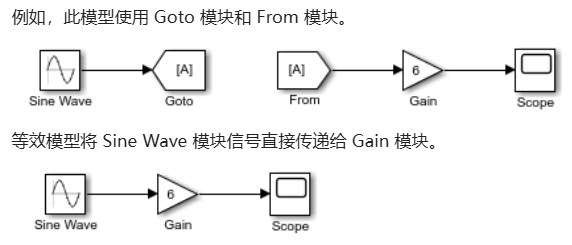
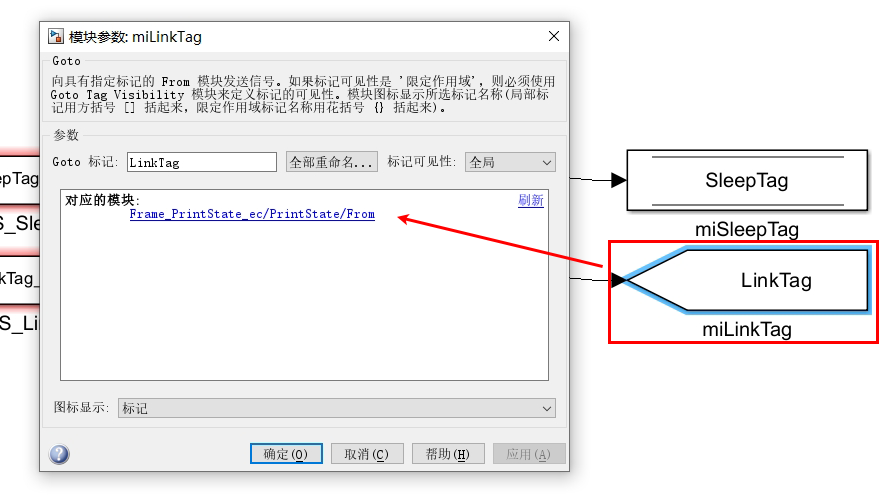
The input of a Goto module is passed to the From module(s) associated with it. They are matched via Goto tags. The scope of a Goto module’s tag can be local, scoped, or global.
MQT has added new functionality for the following scenario:
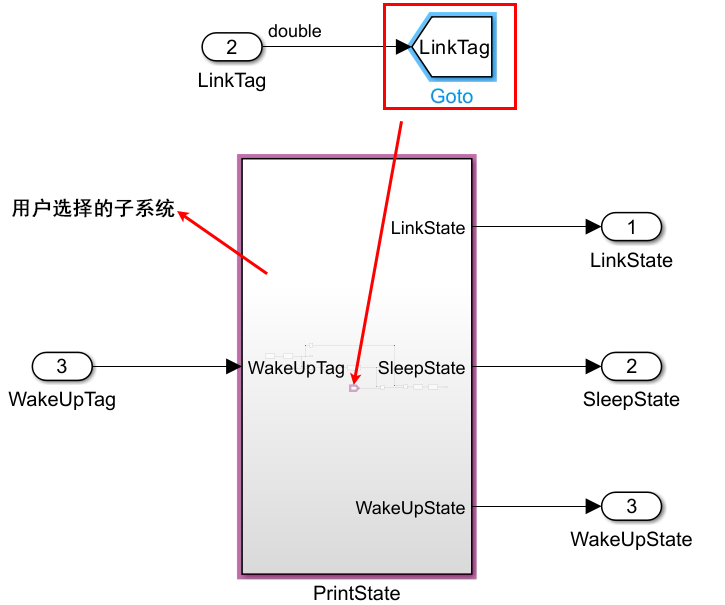
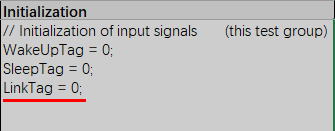
- If the unit under test contains only a From module without the corresponding Goto module, MQT will automatically generate the corresponding Goto module for this From module during test harness generation. This variable will be treated as an input signal, and its value can be modified at any time when writing test cases.